
A seven-pass overwrite will strip a spinning hard drive down to nothing recoverable. Run that same tool on a modern SSD, and you can reformat it three times over and still pull old tax documents off it with a ten-dollar recovery tool and five minutes of patience. That gap is the most common misunderstanding I run into when people ask about SSD security and digital privacy. Most data removal and privacy services focus on what shows up on a search results page, not what's still sitting on a drive in your closet. A wipe isn't a wipe, no matter what kind of drive it's on, and the tools that made you feel safe on a hard drive can quietly fail you on a solid-state one.
Most of what I've spent time testing focuses on scrubbing your name off broker sites. The best services to remove personal info from Spokeo and Whitepages will get your address and relatives off a search results page, but they do nothing for the laptop sitting in your closet with old client invoices still readable on the drive. Hardware is a separate problem, and the myth that a factory reset or a quick reformat handles it is the one costing people the most.
The Myth: A Reformat Erases an SSD the Way It Erased a Hard Drive
On a spinning hard drive, wiping meant overwriting the physical location where a file actually lived, more or less directly. Solid-state drives don't work that way. The drive's own controller decides where data physically sits and shuffles it around on its own schedule through a process called wear leveling. The short version is that the file system's idea of empty and the SSD's idea of empty aren't the same thing. Deleting a file, emptying the trash, or running a quick format mostly just tells the operating system it's allowed to reuse that space eventually. The data itself can still be sitting in cells the OS can no longer see, and a decent recovery tool can still find it.
What Does a Recovery Scan Actually Turn Up?
I tested this directly rather than take it on faith: wiped a spare SSD, ran a standard reformat on it, and pointed an off-the-shelf recovery scanner at the drive afterward. Old files showed up in the results within a minute, previews included. A quick format on an SSD behaves less like emptying a filing cabinet and more like removing the label from the drawer. Everything inside is still exactly where it was.
So What Actually Counts as Gone?
The fix isn't scrubbing harder. It's using a command the drive's own controller understands, instead of asking the file system to overwrite cells one at a time. Most SSD manufacturers build in some version of a "Secure Erase" function that talks directly to the controller and resets the memory at a hardware level. There's a federal data-sanitization standard that draws a similar line between software-level cleanup and this kind of hardware-level reset, and for an SSD, the hardware-level version is the one that actually matters.
When I went looking for options beyond the manufacturer's own utility, I ended up comparing the best software to wipe your computer hard drive before recycling against just trusting whatever came pre-installed. Check whether your drive's manufacturer offers a secure erase option through their own tool first. It's usually the most reliable route, since it's talking to hardware the manufacturer built. If that option doesn't exist for your drive, software built specifically for SSDs is the next best choice, not a general-purpose disk utility built with hard drives in mind.
A Tool Like EaseUS BitWiper, and the Limits of SSD Security
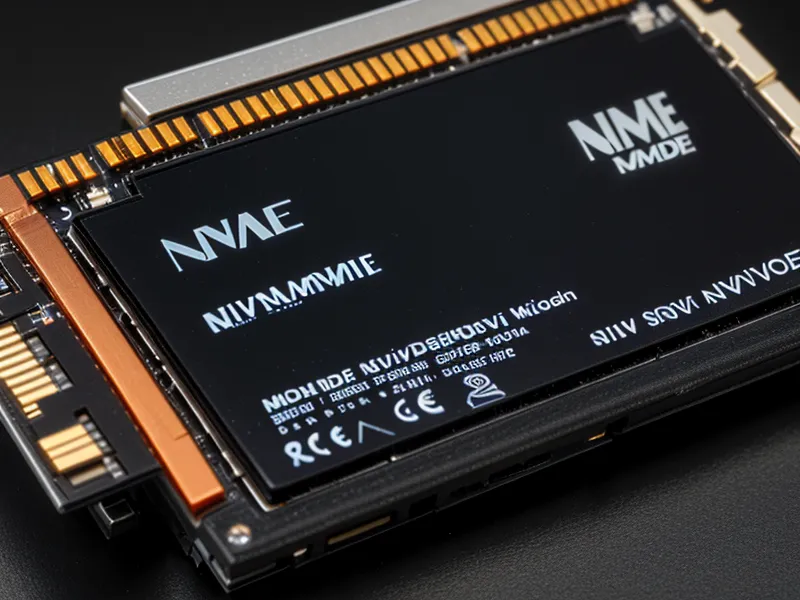
EaseUS BitWiper is one example of that second category. It has a mode built specifically to target SSD wear-leveling behavior rather than treating the drive like a hard disk. Nothing about it is bulletproof, though. Some manufacturers use proprietary controllers that don't follow standard commands exactly, and a drive can report itself wiped while still holding data in reserved spare cells you can't address directly. For most people protecting client files or family information, a proper hardware-level wipe from either the manufacturer's tool or dedicated software is plenty. Anyone handling something more sensitive than that, like health records or legal files, is better off with physical destruction, which is the one method nobody can argue with.
Before You Sell or Donate the Drive
A coworking neighbor of mine, Gemma, asked about this last month before she sold her old laptop. We were walking through Zilker Park and she wanted to know if "factory reset" in the settings menu was good enough. It's the same question in different clothes. The reset wipes the operating system, not the drive's internal map of where files physically live. I told her to run the manufacturer's secure erase tool first, then do the factory reset, then sell it in that order, not instead of it.
Back at my own desk (two monitors on a swing arm, a Yubikey clipped to the bezel that my partner still calls overkill), running an actual wipe took longer to explain than to do. Plug in the drive, pick the secure erase option instead of a quick format, and let it run. No decisions to second-guess once it starts.
I don't fully trust a progress bar that says "complete" any more than I trust an alert system to catch everything it's supposed to. I once set up Google Alerts on my own name hoping it would flag broker re-listings the moment they appeared. It doesn't work that way. Plenty of listings never trigger an alert at all, and I only catch them because I go looking manually. A wipe tool that reports success deserves the same skepticism: run a recovery scan afterward and check for yourself instead of taking the software's word for it.
Where Hardware Wiping Fits Into the Bigger Privacy Picture
Hardware wiping is one piece of a much bigger picture, and it's worth being honest about what it doesn't cover. Broker profiles reappearing months after you thought they were gone is its own recurring headache, unrelated to anything a hard drive can cause, and coverage varies a lot between removal subscriptions. Not every service clears the same list of sites. If you want the actual click-by-click walkthrough of running a tool like BitWiper's secure erase mode, that's a separate piece; this one's about making sure you reach for the right category of tool in the first place.
The same manual-versus-automated trade-off shows up in broker opt-outs, too. Doing it yourself costs time, paying a service costs money, and neither one closes every gap. None of this replaces locking down your accounts after an actual data leak, which is its own checklist, and it's a different setup problem than password manager security, which is a conversation on its own. The list of which broker sites carry what kind of information keeps growing, long enough to deserve its own reference rather than a footnote here. A VPN, for what it's worth, protects the connection you're using right now; it does nothing for records or files that already exist.
Now that my client communication runs through Proton Mail features for self-employed consultants seeking privacy, there's less sensitive material sitting in local files to begin with, but old laptops in a closet don't clean themselves up retroactively. The rule I'd give anyone getting rid of an SSD is short: don't trust the delete key, don't trust a quick format, and don't fully trust a progress bar either. Use the hardware-level erase option your drive actually supports, verify it afterward with a recovery scan, and only then hand the hardware off to someone else.