
Late one evening in early 2024, I Googled myself while waiting for a client's campaign to sync and felt my stomach drop as my home address and relatives' names stared back at me from a data broker site. It wasn't just a name on a list; it was a blueprint of my life—my wife’s maiden name, my grandparents, and the exact street where I drink my morning coffee. That was the night I stopped assuming my privacy was a default setting and started treating it like a client project.
Before we get into the weeds, a quick heads-up: this site uses affiliate links. If you sign up for a service through these links, I earn a commission at no extra cost to you. I only recommend tools like RoboForm that I’ve actually paid for, tested, and lived with through dozens of client launches and security scares.
The Password Hygiene Realization
In those frantic first months of 2024, I went on a manual opt-out spree. I spent three hours manually trying to opt-out of a broker that didn't have a visible 'delete' button, only to find DeleteMe had already flagged it in their system. It felt like trying to empty the ocean with a leaky bucket. Data brokers are a junk mail problem that scaled to the internet; they refresh their databases every three to four months, often re-listing the very info you just scrubbed. I eventually realized that while services like DeleteMe handle the cleanup—providing their standard 4 quarterly reports a year—my password hygiene was the weakest link in my new privacy-first life.

I needed a way to manage the chaos. As a digital marketing consultant, I juggle dozens of tools, client logins, and subscription services. A password manager isn't just about security; it's about not being the guy who gets his client's data leaked because he used the same password for a keyword research tool and his bank account. While I was setting up my Proton bundle—which covers 4 core services like Mail and VPN—I had to decide where my passwords would live. I bypassed the trendy, venture-backed managers and landed on RoboForm.
Why RoboForm? The Form-Fill Factor
RoboForm is often treated as the 'old school' option in privacy circles. It doesn't get the same buzz as Bitwarden or 1Password, but it has a specific superpower: the form-fill engine. In my line of work, I’m constantly filling out messy marketing tool checkouts and registration forms. Most modern managers glitch when they see a 20-field form. RoboForm just handles it. I remember staring at the clunky RoboForm interface and wondering if I’m being too cheap, then realizing it successfully filled a complex client onboarding form without a single error while my previous browser-based manager just sat there spinning.
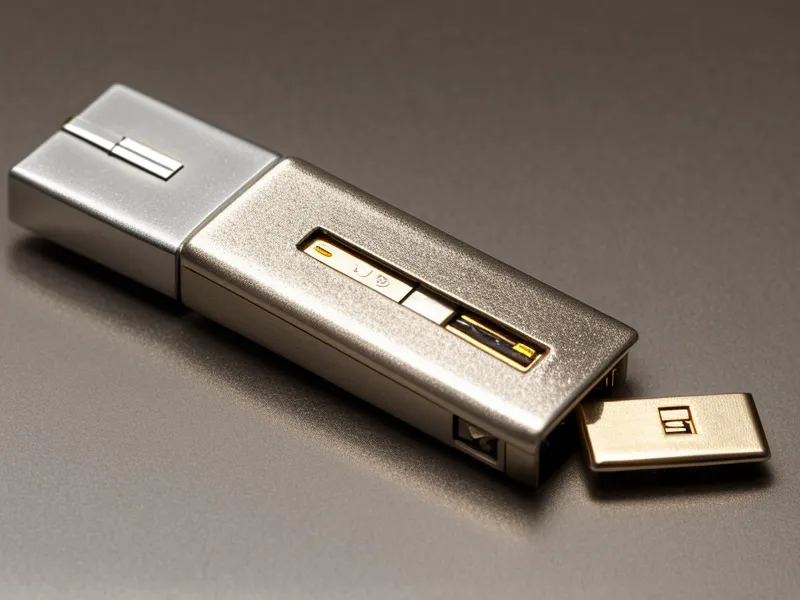
The interface definitely looks like a Windows 95 relic, but under the hood, it uses industry-standard 256-bit AES encryption. It’s the digital equivalent of a reliable old truck—it’s not going to win any beauty pageants, but it’ll haul your data through a storm without stalling. During the 512-area-code heatwave this past summer, I remember the cold, metallic weight of my Yubikey hitting my desk every time I logged into my vault. It’s a bit of friction, sure, but after seeing my home address on Whitepages, I don't mind the extra step. My partner, on the other hand, thinks the hardware key is overkill. I still remember her audible sigh when I told them they needed to use a secondary authentication app just to access our shared streaming logins via the RoboForm Family Plan, which supports up to 5 users.
The Mid-Summer Security Scare
The real test came this past mid-summer during a major client launch. We had a minor security scare—not a breach, but enough of a 'close call' with a shared vendor that I decided to rotate over 50 client passwords in a single afternoon. This is where the 'convenience' of cloud-synced managers becomes a double-edged sword. While the automated convenience of cloud-synced password management increases exposure risk to third-party data breaches compared to the localized security of offline vault storage, I needed the sync to keep my mobile devices updated while I was away from my desk.
RoboForm didn't flinch. I was able to generate complex, unique strings for every account and sync them across my devices instantly. It’s a trade-off I’ve thought about a lot. If you want absolute, 'unplugged' security, you'd keep your vault on an encrypted USB stick in a drawer. But for a consultant who moves between a home office and coffee shops, that’s just not realistic. RoboForm strikes a balance that works for me. It stays quiet, it doesn't pester me with 'security score' marketing pop-ups every week, and it just works.
Comparing the Long-Term Experience
Over the last 18 months, I’ve built a stack that actually stays ahead of the brokers. I use audit results to track which sites re-list me, and I’ve found that combining a solid password manager with a removal service is the only way to stay sane. If you're looking for the absolute cheapest way to start, Incogni is a great entry point for individual removal, though it lacks the family plan depth of DeleteMe. For the passwords themselves, I’ve stayed with RoboForm because it's one of the few tools that hasn't tried to pivot into being a 'digital identity platform'—it just wants to be a vault.

I also keep EaseUS BitWiper in my toolkit for those times I’m retiring old hardware. It’s a one-time purchase that handles the local side of the 'delete' problem. Privacy isn't a one-and-done purchase; it’s a subscription you have to keep managing, much like how you have to keep an eye on a credit freeze you might have forgotten about. If you're interested in how I've managed the interpersonal side of this, you might find my thoughts on how to talk to your partner about security helpful—especially if they think your Yubikey is a bit much.
Verdict: Is RoboForm Still Worth It in 2026?
Two years in, RoboForm isn't the prettiest tool in my Austin home office, but combined with my Proton and DeleteMe stack, it’s the one I trust to stay quiet and work. It handles the messy reality of the internet—the long forms, the constant password rotations, and the need for a shared family vault—without the 'premium' price tag of its more polished competitors. If you want a password manager that feels like a modern iPhone app, look elsewhere. But if you want a tool that handles form-filling better than anything else on the market and keeps your data under 256-bit AES lock and key, RoboForm is the one to get. The current price is always on their site and can change, but for a 5-user family plan, it’s hard to beat the value for a household trying to lock things down.
If your goal is a 'set it and forget it' experience with the best form-filler in the business, RoboForm is the clear choice. If you’re more concerned with having the most modern, audited UI possible and don't mind paying a bit more, you might look at Bitwarden. But for my money and my data, the 'old school' tool is the one that’s still standing.
RoboForm
Pros
- ✔ Best-in-class form-fill engine for complex marketing tools
- ✔ Very affordable family plan for up to 5 users
- ✔ Reliable 256-bit AES encryption and hardware key support
Cons
- − User interface looks and feels like a legacy Windows app
- − Mobile app experience is less polished than newer competitors